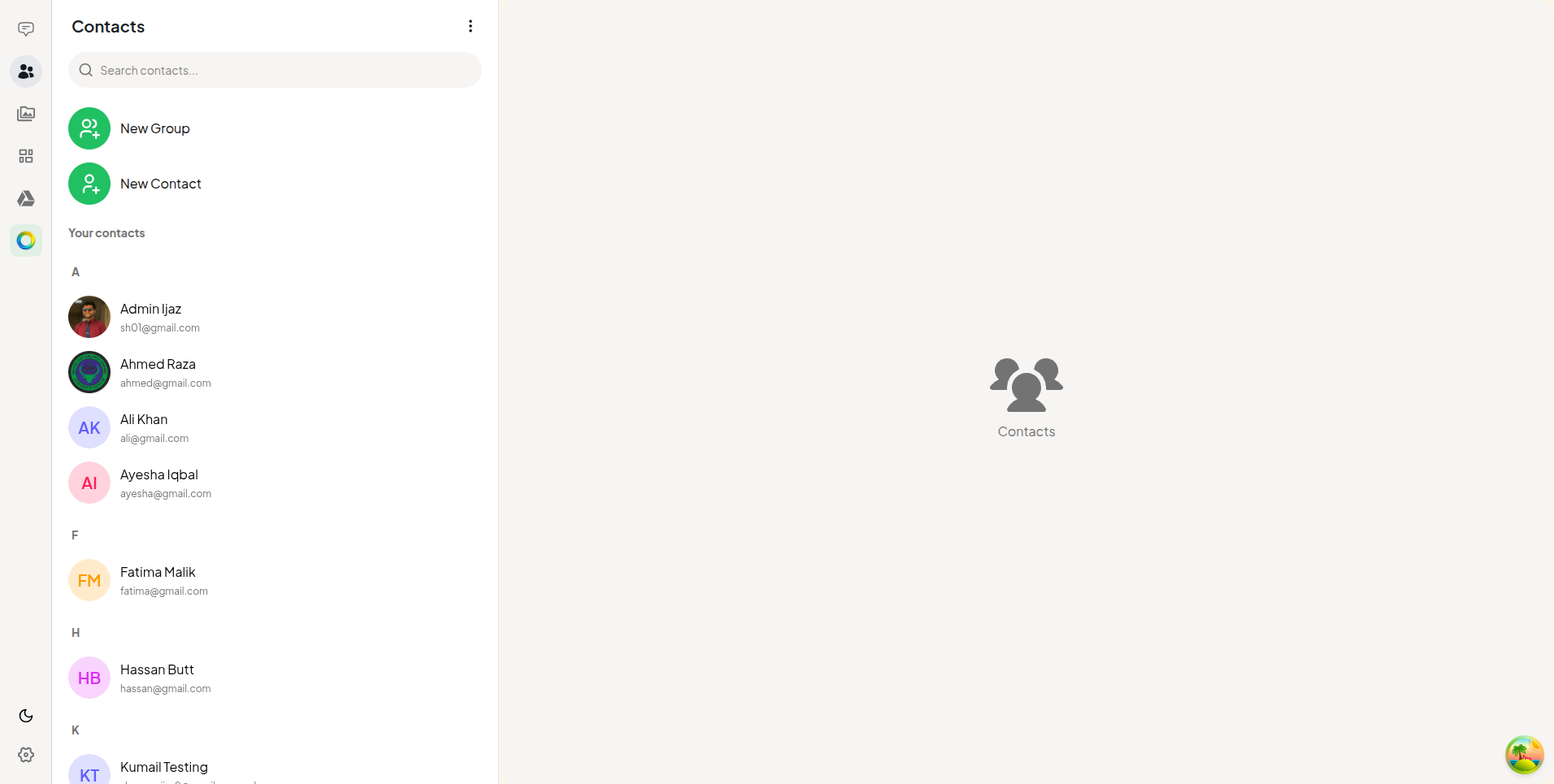
Office Hassle Chat - Unified Corporate Communication Platform
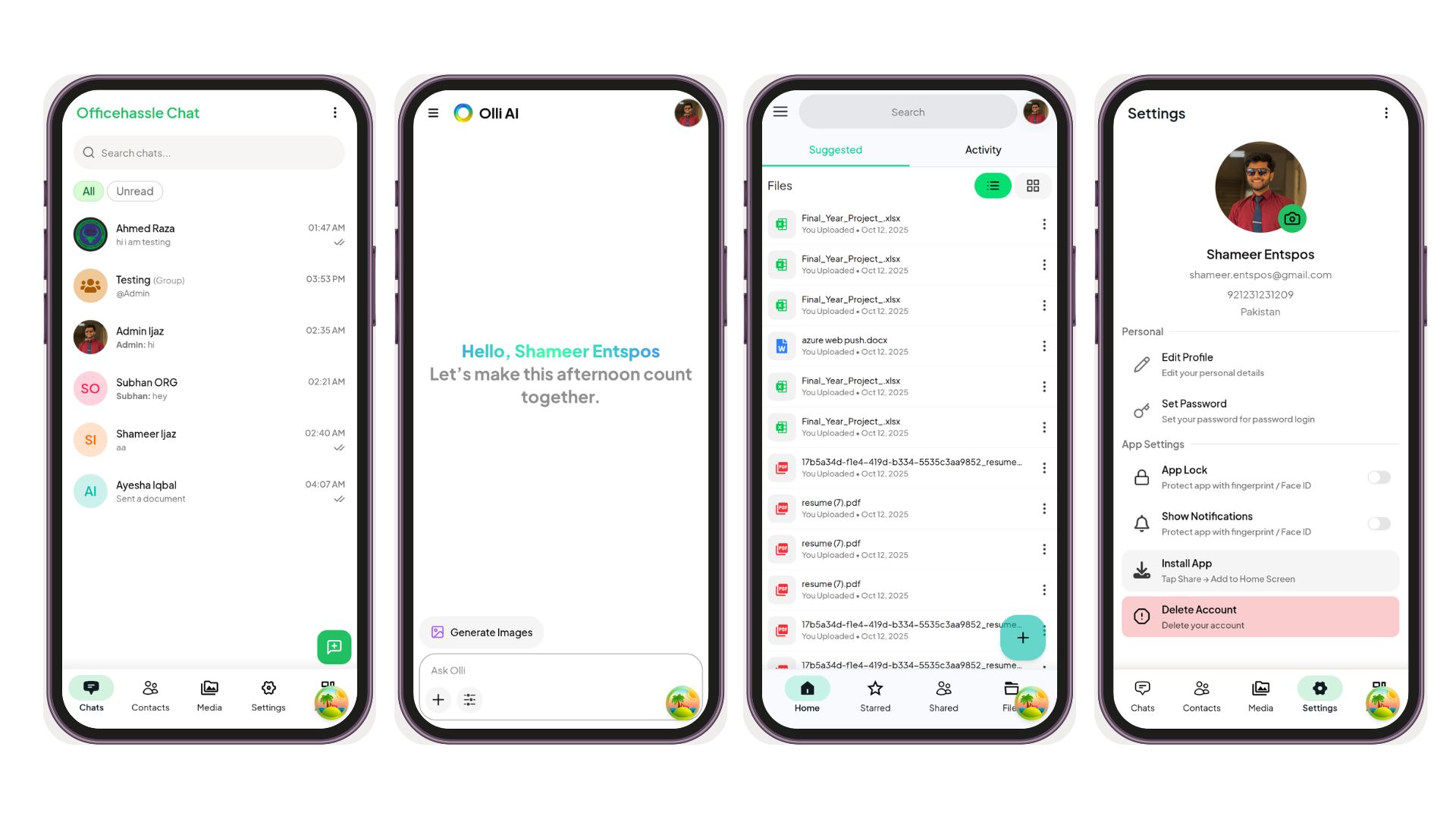
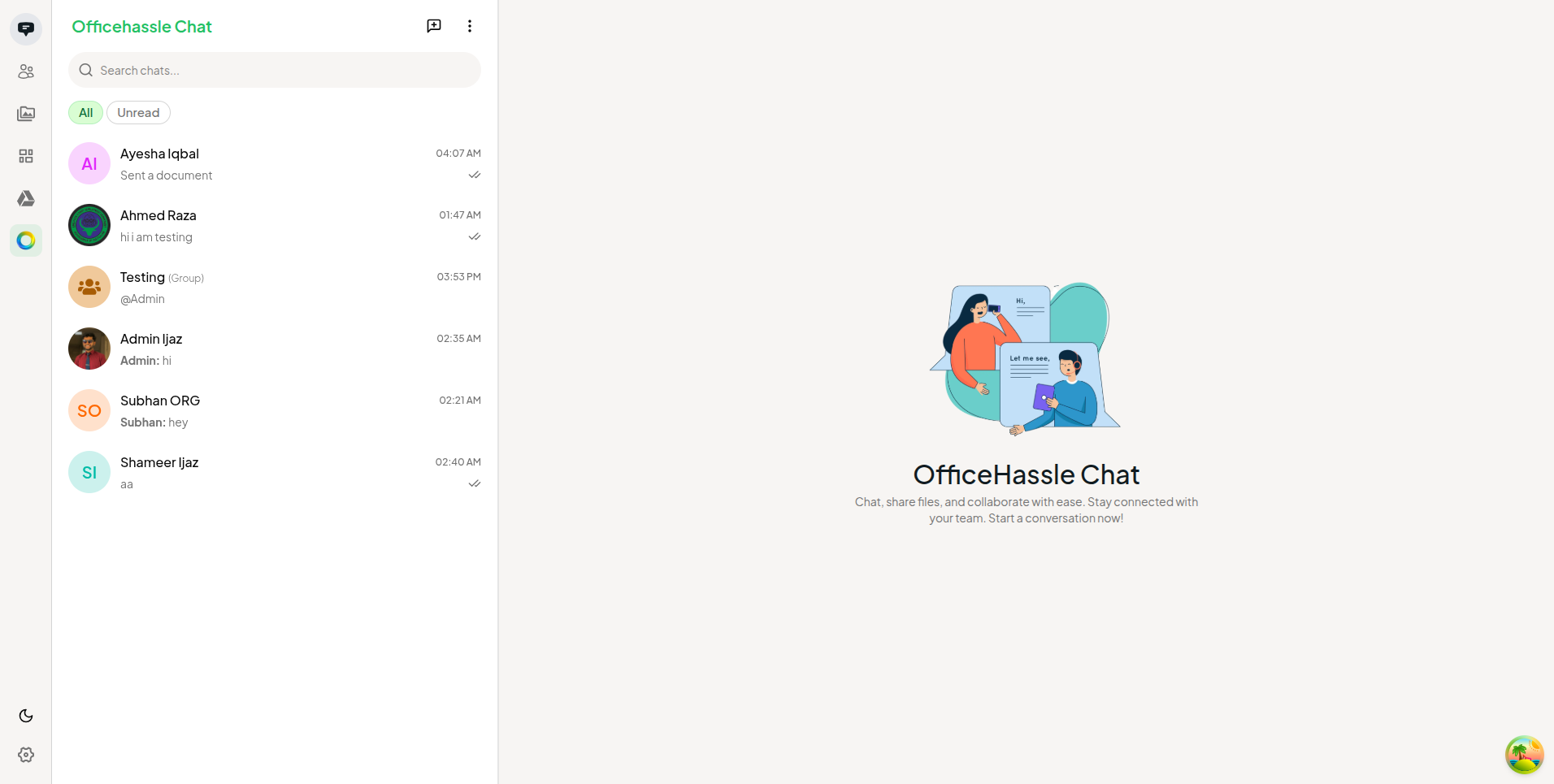
A comprehensive all-in-one corporate communication and collaboration platform unifying real-time messaging, video/audio conferencing, secure file management, AI-powered tools, and organizational administration.
Problem Statement
Modern workplaces suffer from tool fragmentation and communication overhead. Employees are forced to switch constantly between separate applications for messaging, video meetings, file storage, and AI assistance. This fragmentation drives real costs:
- Decreased Productivity: Constant context-switching between disconnected tools breaks focus and slows down teams.
- Information Silos: Files, chat history, and meeting notes live in separate ecosystems with no unified view.
- Administrative Overhead: Managing multiple billing accounts, access permissions, and vendor contracts adds unnecessary complexity.
- Security Risk: Sensitive corporate data scattered across multiple third-party providers increases vulnerability and compliance exposure.
Office Hassle solves this by bringing every essential business communication and collaboration tool into one unified, secure, and easily manageable platform.
Key Features
AI-Powered Capabilities
- Speech-to-Text & Transcription: The platform automatically transcribes voice notes, audio files, and meeting recordings into fully searchable text, making spoken information as accessible as written documents.
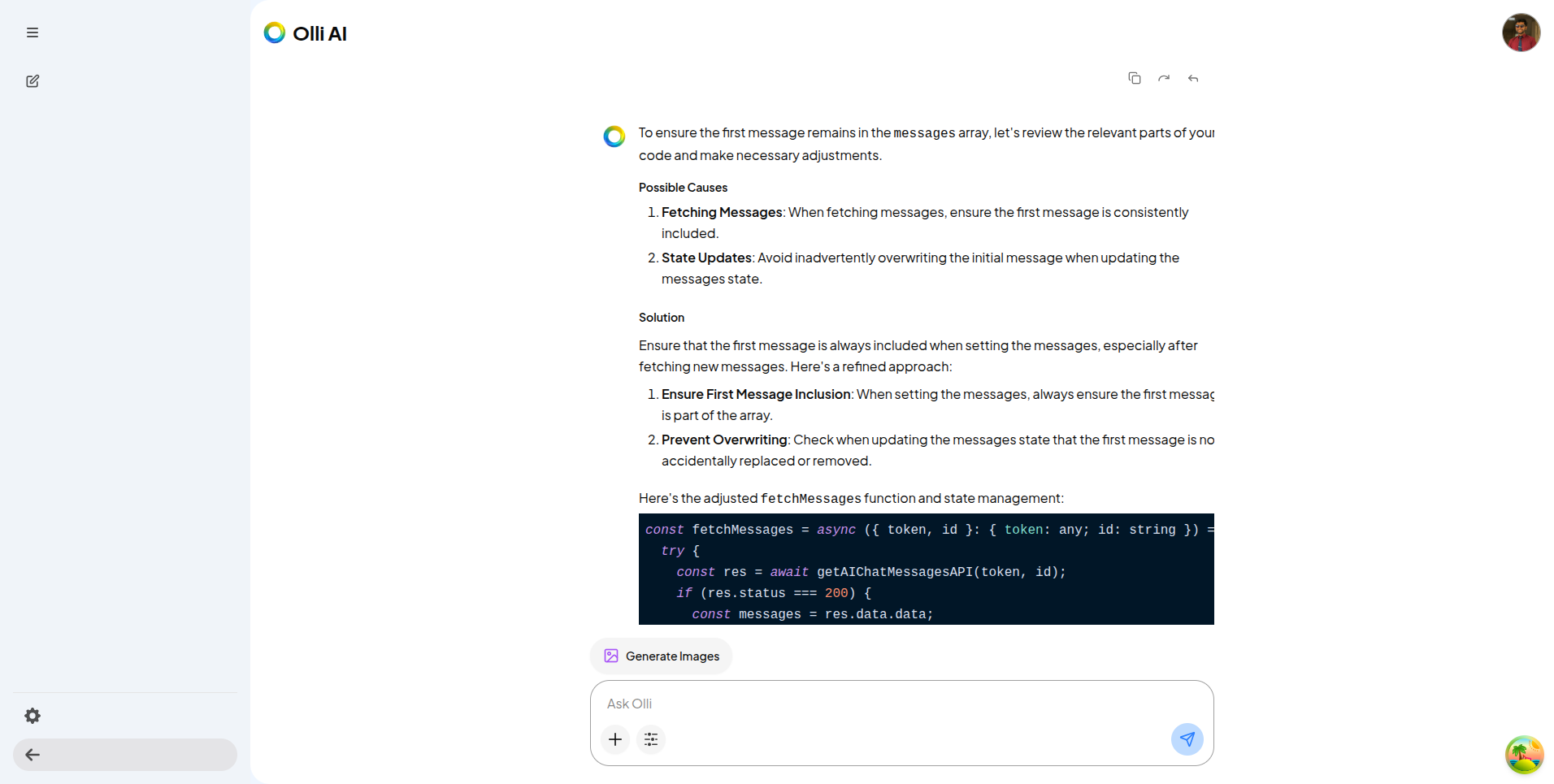
- AI Assistant Integration: A built-in AI assistant helps users draft messages, summarize long conversation threads, and improve workflow efficiency without leaving the platform.
- Rich Media AI Processing: Integrated AI tools help teams organize, interpret, and extract meaningful insights from shared files and media content within their workspace.
Integrated Video & Audio Meetings
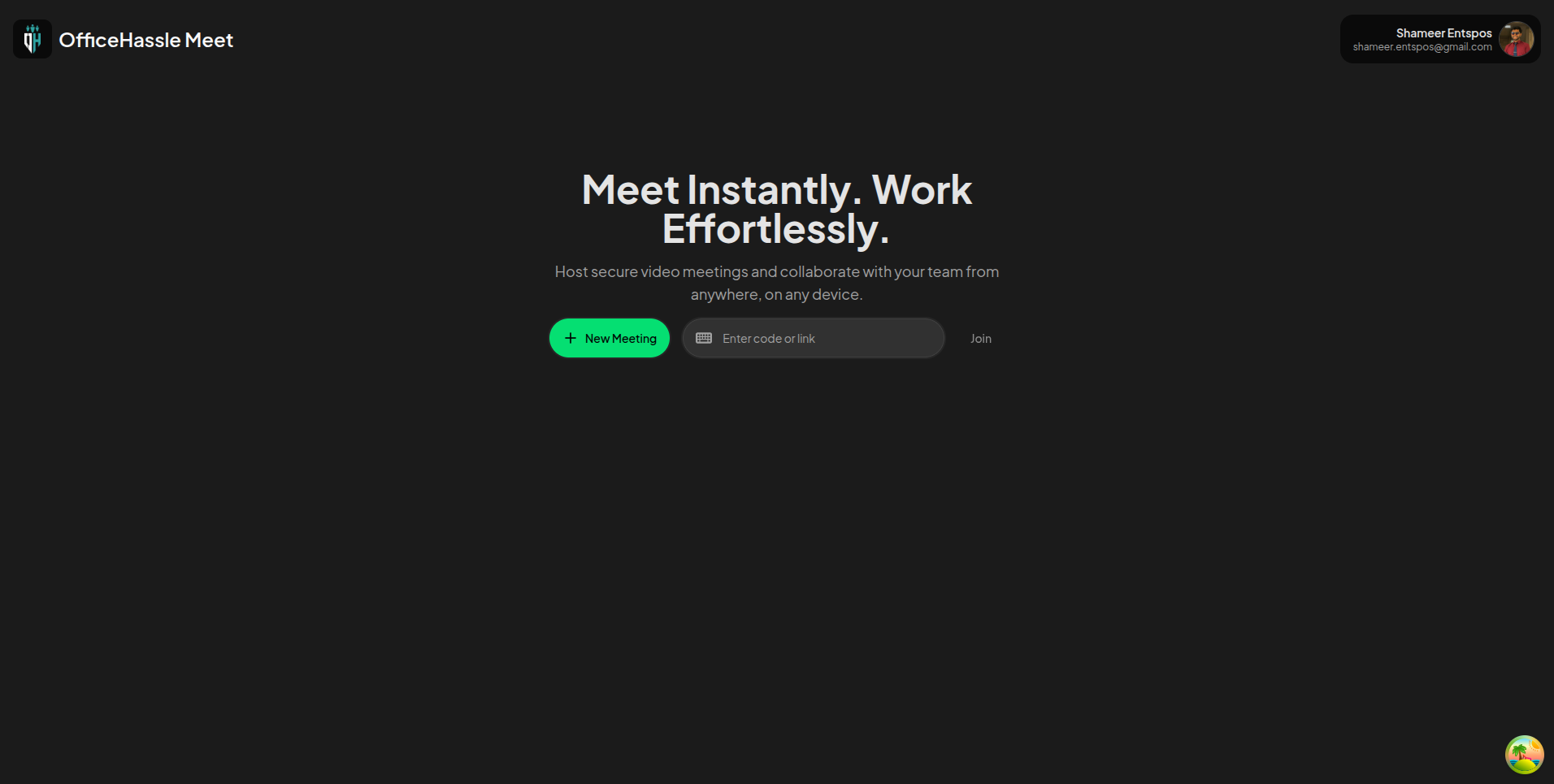
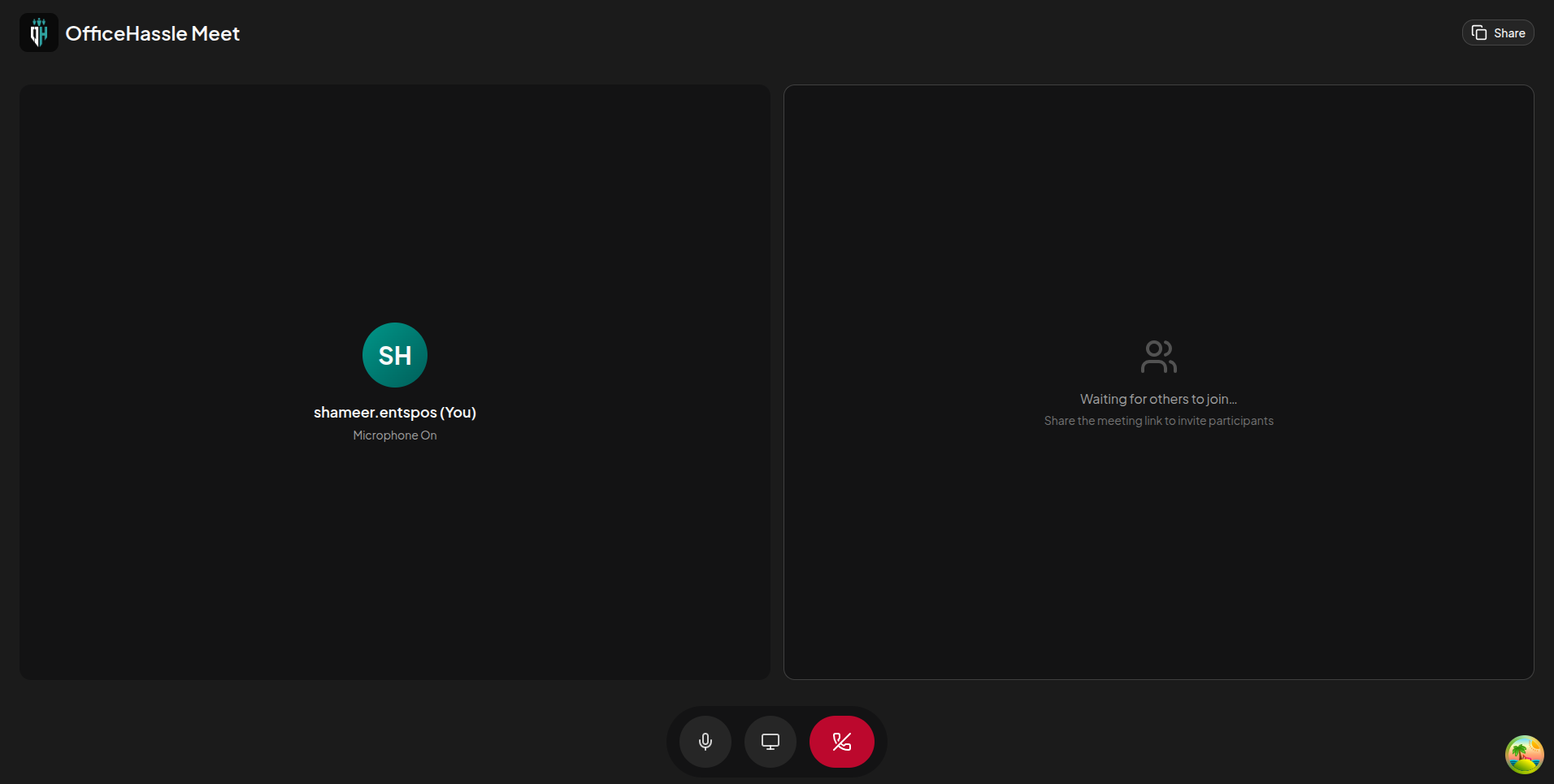
- Built-in Video Conferencing: Native meeting rooms allow teams to join video or audio calls directly from their workspace without external links or third-party applications.
- Screen Sharing & Collaboration: Teams can share screens and present files from their integrated drive in real time during meetings.
- Meeting Recording: Audio and video recording capabilities ensure important discussions and decisions are captured and available for future review.
Real-Time, Secure Chat
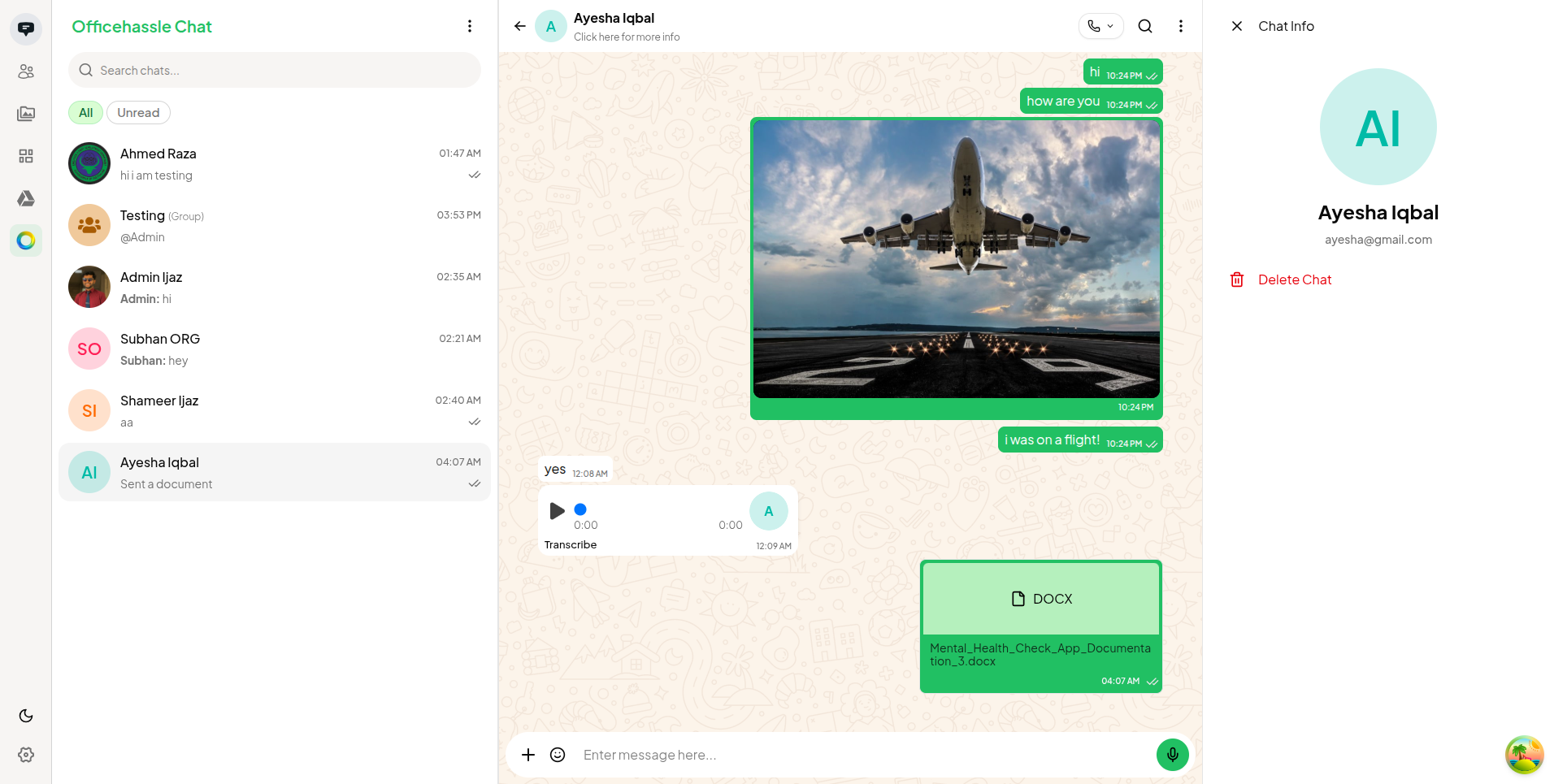
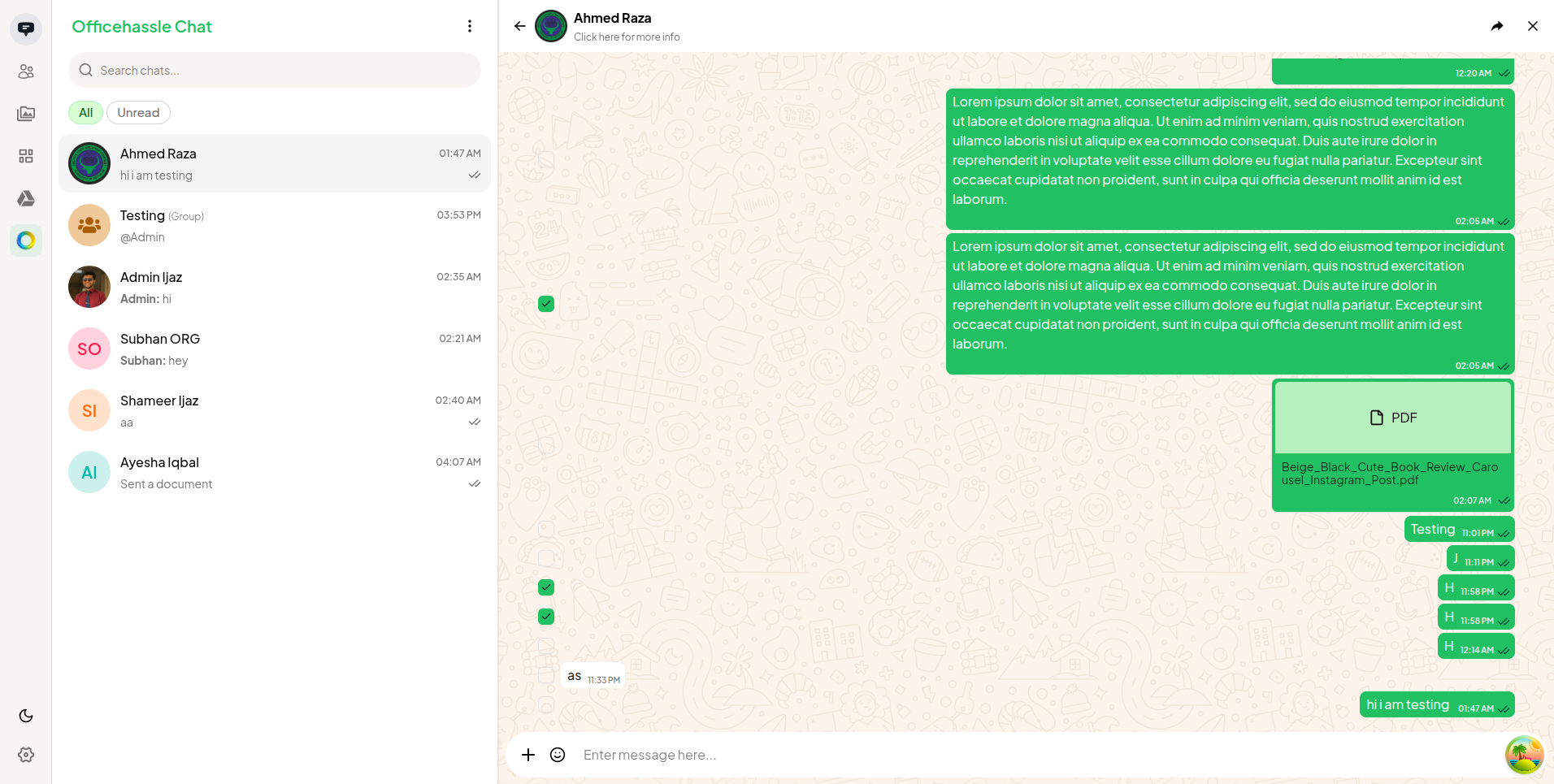
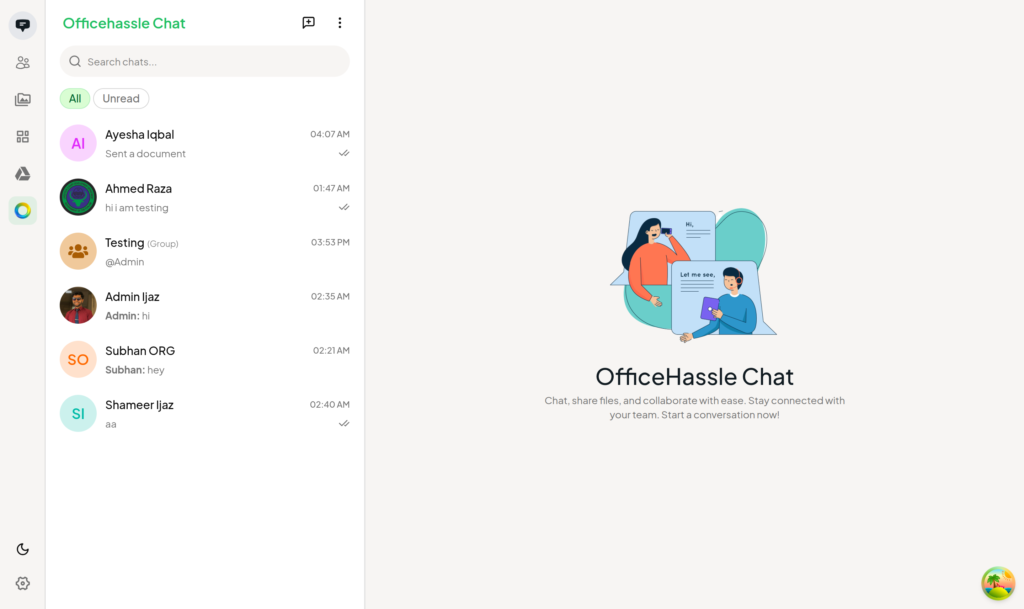
- Instant Messaging & Rich Text: Real-time messaging with emoji support, markdown rendering, inline file attachments, and voice notes.
- End-to-End Encryption: Every conversation is encrypted end-to-end, ensuring corporate communications remain confidential and secure.
- Voice Notes: Users can record and send voice messages within chat threads, enabling richer asynchronous communication.
Secure Cloud Drive
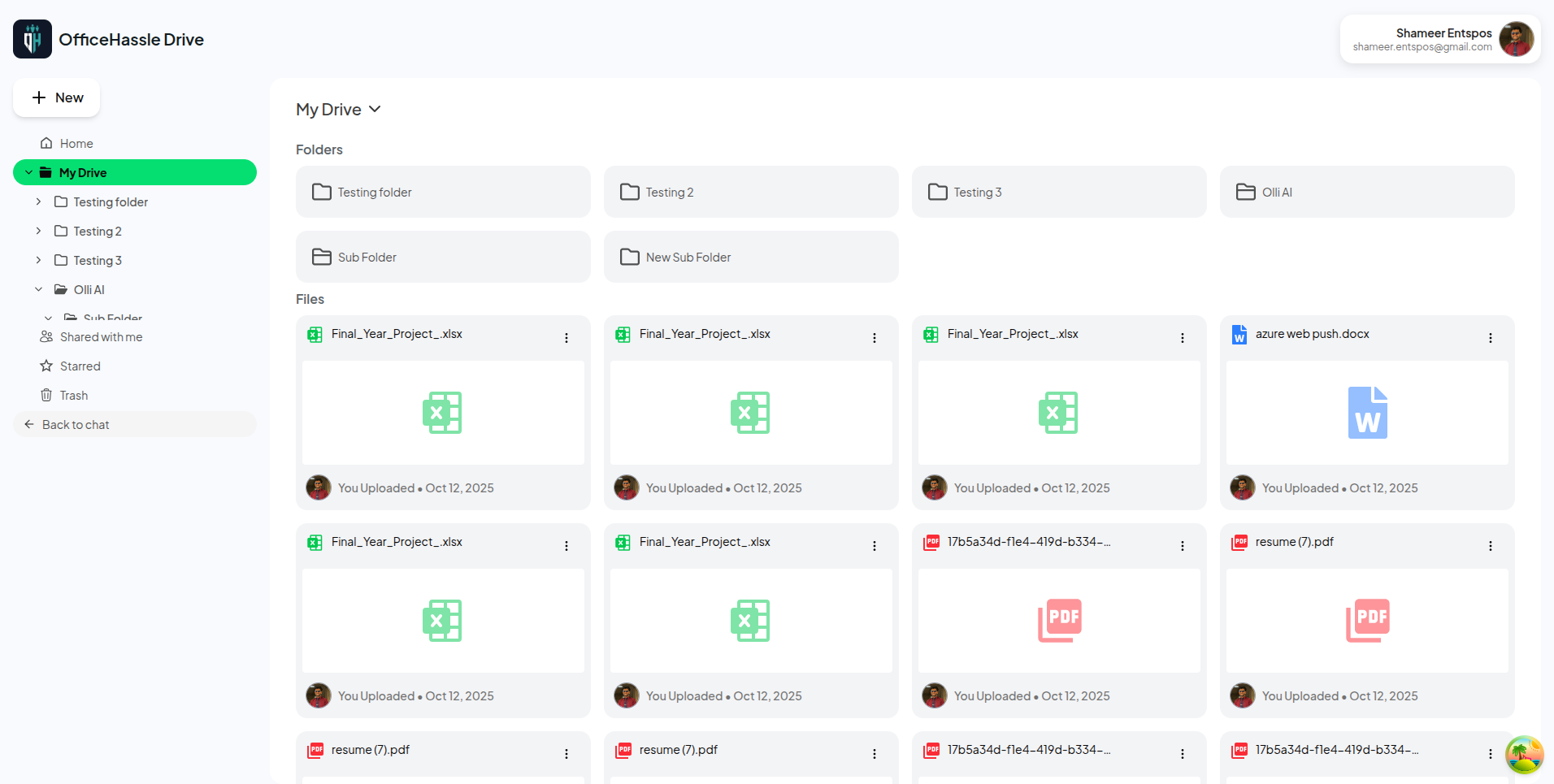
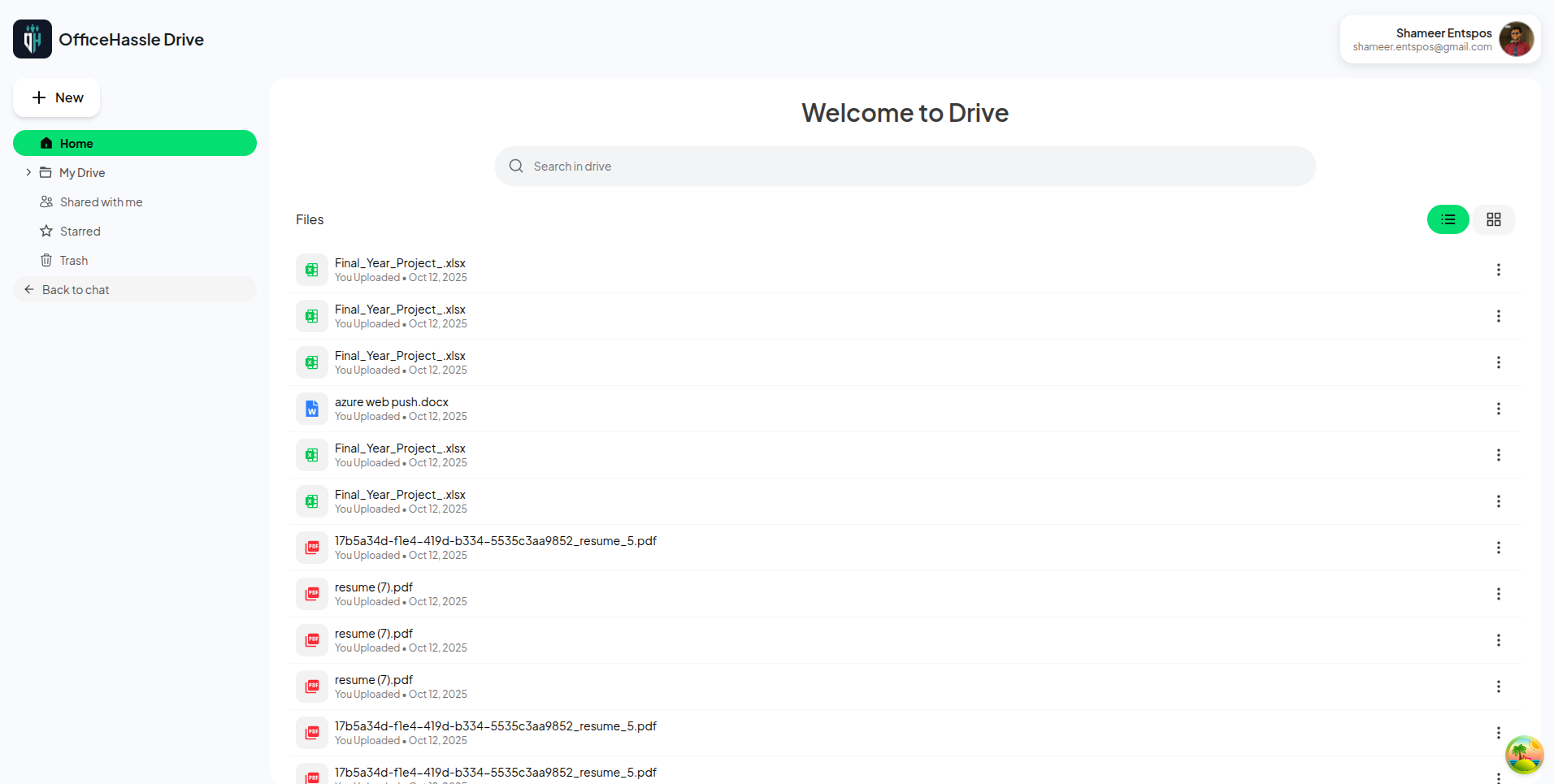
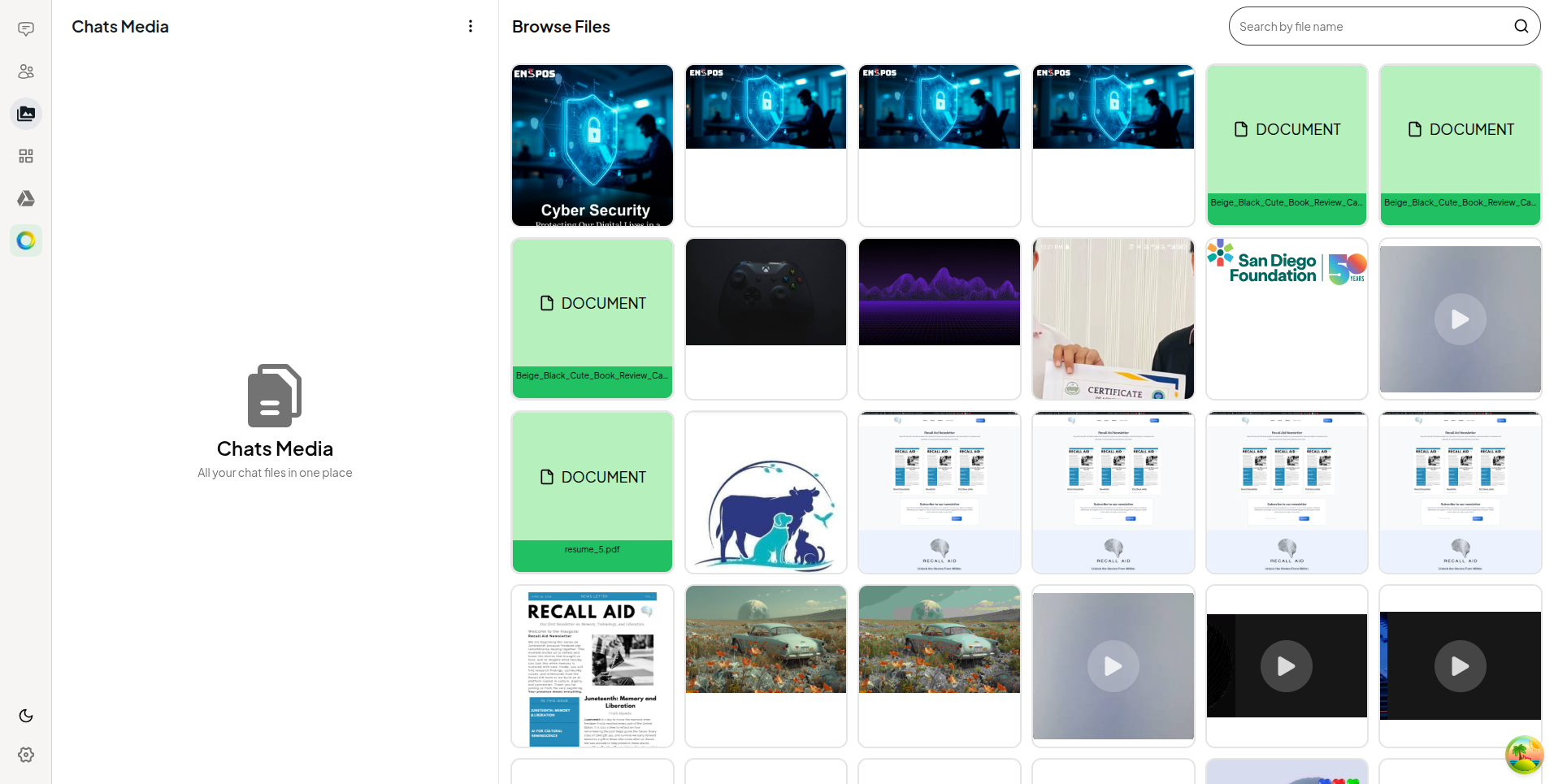
- Integrated File Storage: A dedicated cloud drive for uploading, organizing, and sharing corporate files across teams, fully connected with chat and meeting modules.
- In-App Document Viewing: Built-in PDF and media viewers allow employees to review files directly within the platform without external downloads.
Administration & Security
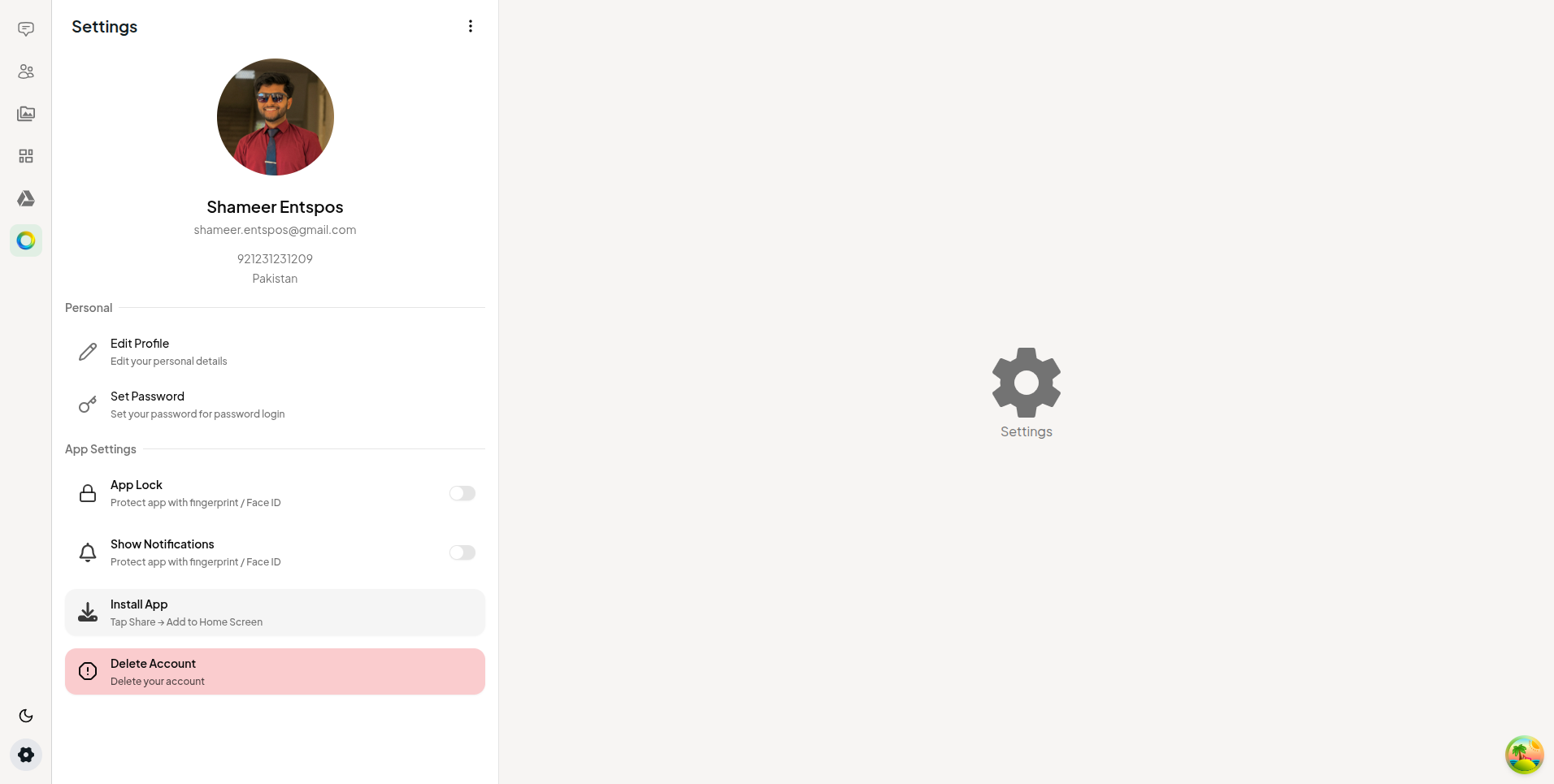
- Centralized Admin Dashboard: IT and operations teams can manage users, configure workspaces, and oversee billing subscriptions from a single control panel.
- Advanced Authentication: Secure login with session management and OTP verification ensures only authorized personnel can access the workspace.
- Push Notifications: Real-time notifications keep team members informed of important messages, meeting invitations, and workspace activity across all devices.
Project Manager
Frontend Engineer
Mobile Developer
Backend Engineer
QA
Team
UI/UX Designer
Tecnology Stack
Frontend
React
Nextjs
Typescript
Redux
Backend
LangChain JS
Express JS
Tools & Integrations
Figma
Docker
AWS S3
Results


Are You Interested?
Fill Out The Form!
Say something to start a live chat!